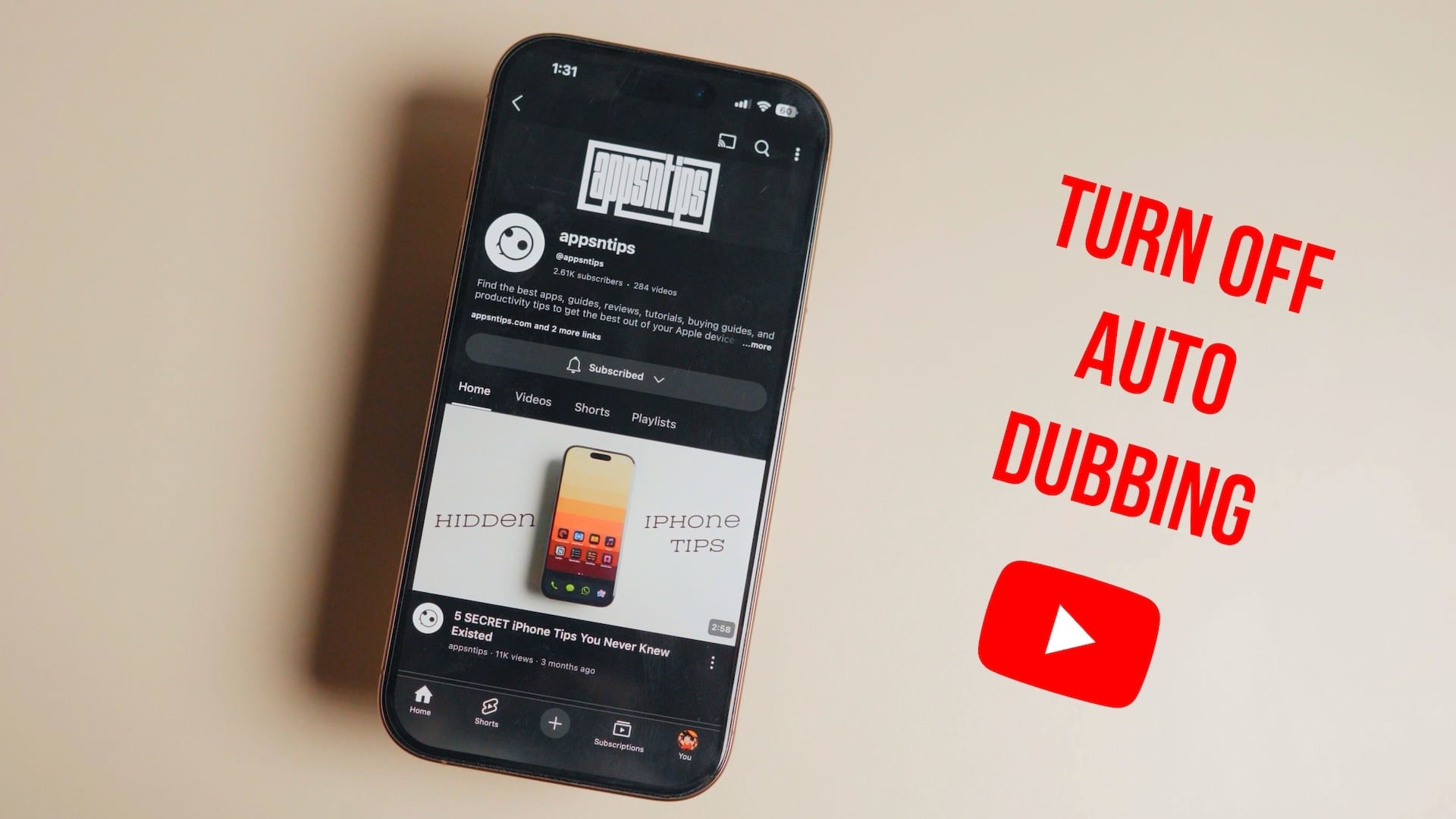
You click a video from a creator you’ve followed for years. They’re usually speaking Spanish or Korean, and you’re used to reading the subtitles. Suddenly, they’re speaking English. But something is off. The voice is a bit flat, the mouth movements don’t quite sync, and the soul of the performance feels like it's been scrubbed away by an algorithm. This is YouTube’s newest push into AI-driven accessibility, and honestly, it's driving a lot of people crazy. If you’re looking for a YouTube auto dubbing turn off switch, you aren't alone.
YouTube is leaning hard into Aloud, their AI dubbing product. They want a borderless platform. That sounds great on a corporate slide deck, but for the viewer who wants to hear the original nuance of a creator's voice, it’s often an intrusion.
The Mystery of the Disappearing Original Audio
Most people don't even realize they've been opted into this. You might be watching MrBeast or a high-end tech reviewer and realize the audio track has defaulted to your native language without you touching a single setting.
It’s a "feature," not a bug.
The platform uses your location and account language settings to decide what you should hear. If a creator has uploaded multiple audio tracks or used the AI dubbing tool, YouTube assumes you want the dubbed version by default. This creates a weird disconnect. You’re seeing the person's face, but the auditory "vibe" is completely different. It can be jarring.
Why the sudden push for AI voices?
Money. Purely. When a creator like MrBeast dubs his content into 12 languages, his views skyrocket. YouTube wants every creator to have that reach. By automating the process, they keep you on the app longer because you aren't "distracted" by reading text at the bottom of the screen.
But there’s a cost to this efficiency.
Voice is personality. When you strip away the original audio, you lose the grit, the sarcasm, and the breathy pauses that make a human... human. For language learners, this is an even bigger nightmare. You might be trying to immerse yourself in French, but YouTube keeps forcing the English dub down your throat because your IP address is in Chicago.
Finding the YouTube Auto Dubbing Turn Off Toggle
Finding the settings isn't as intuitive as it should be. YouTube hides these controls within the video player's gear icon, but the terminology is a bit sneaky. It isn't explicitly labeled "Auto Dubbing."
Here is how you actually get the original voice back:
- Open the video that is playing the weird AI voice.
- Tap the Settings (gear icon) on the video overlay.
- Look for Audio track.
- You’ll see a list. Usually, it's set to "English (Auto-generated)" or just "English."
- Select the one labeled Original or the specific language the creator actually speaks.
It's a per-video fix. That’s the annoying part. YouTube doesn't currently offer a "global" button in the main account settings that says "Never play dubs." You have to fight the algorithm video by video, though the app sometimes learns your preference if you change it enough times in a single session.
The Problem with the Mobile App
On mobile, it's even more hidden. You have to tap the video, hit the gear, then "Additional settings," then "Audio track." If you're on a smart TV? Good luck. The interface there is notoriously clunky, often requiring four or five directional presses just to see if an original track even exists.
Can Creators Force This On You?
Technically, yes. Creators are the ones who opt into the Aloud program or manually upload dubbed tracks. Some big-name YouTubers have seen their revenue jump by 20% or more by offering these tracks. They aren't going to stop.
However, the "AI-ness" of the voice depends on the tool used. Some creators pay for high-end human voice actors. That’s usually fine. It’s the "Auto-generated" ones—the ones that sound like a GPS giving you directions to a grocery store—that cause the most frustration.
We’ve seen a massive influx of these in the "Educational" and "How-to" niches. If you're watching a coding tutorial, a robotic voice might be tolerable. But try watching a documentary about the history of Tokyo with a synthesized voice that mispronounces every third landmark. It’s unwatchable.
Why your "Language" setting isn't enough
You might think, "Well, I'll just change my YouTube language to the whole world." Doesn't work. Even if your interface is set to English, if you're watching a Spanish video that has an English dub, YouTube will prioritize the audio that matches your interface language. It's a loop.
The Future of "Silent" Dubbing
Google is working on a technology that doesn't just change the voice, but actually re-animates the speaker's mouth to match the new language. It’s called "DeepDub" technology. While it sounds like science fiction, it’s already being tested.
Imagine watching a Japanese creator and seeing their lips move in perfect sync with English words.
This might solve the "uncanny valley" visual problem, but it doesn't solve the core issue: the YouTube auto dubbing turn off search trend exists because people value authenticity over convenience. We want to hear the person we subscribed to.
Actionable Steps to Reclaim Your Audio
Since there is no "master switch" in the 2026 YouTube interface yet, you have to be tactical.
- Check the Description: Sometimes creators link to their "International" channels. If you hate the dubs on the main channel, they might have a dedicated channel for the original language without any AI interference.
- Browser Extensions: If you are on a desktop, look for "YouTube Audio Track Fixer" or similar open-source extensions on the Chrome Web Store. Developers are already building scripts that automatically force the "Original" track if available.
- Clear Your Cache: Sometimes the YouTube mobile app gets "stuck" in a language profile. If you've been traveling or used a VPN, it might think you want dubs in a language you don't even speak. Resetting the app cache can sometimes force it to look at your primary account settings again.
- Use the Feedback Tool: This sounds shouting into the void, but YouTube's product teams track "feature friction." If you send feedback specifically mentioning "Audio track defaults," it adds to the data pile that might eventually give us a global toggle.
The reality is that AI dubbing is a massive growth engine for Google. They aren't going to make it easy to disable because that would mean fewer views for their global creators. You have to be the one to take control of the settings. Next time a video starts and the voice sounds "off," hit that gear icon immediately. The "Original" track is almost always still there, buried under a layer of artificial convenience.


