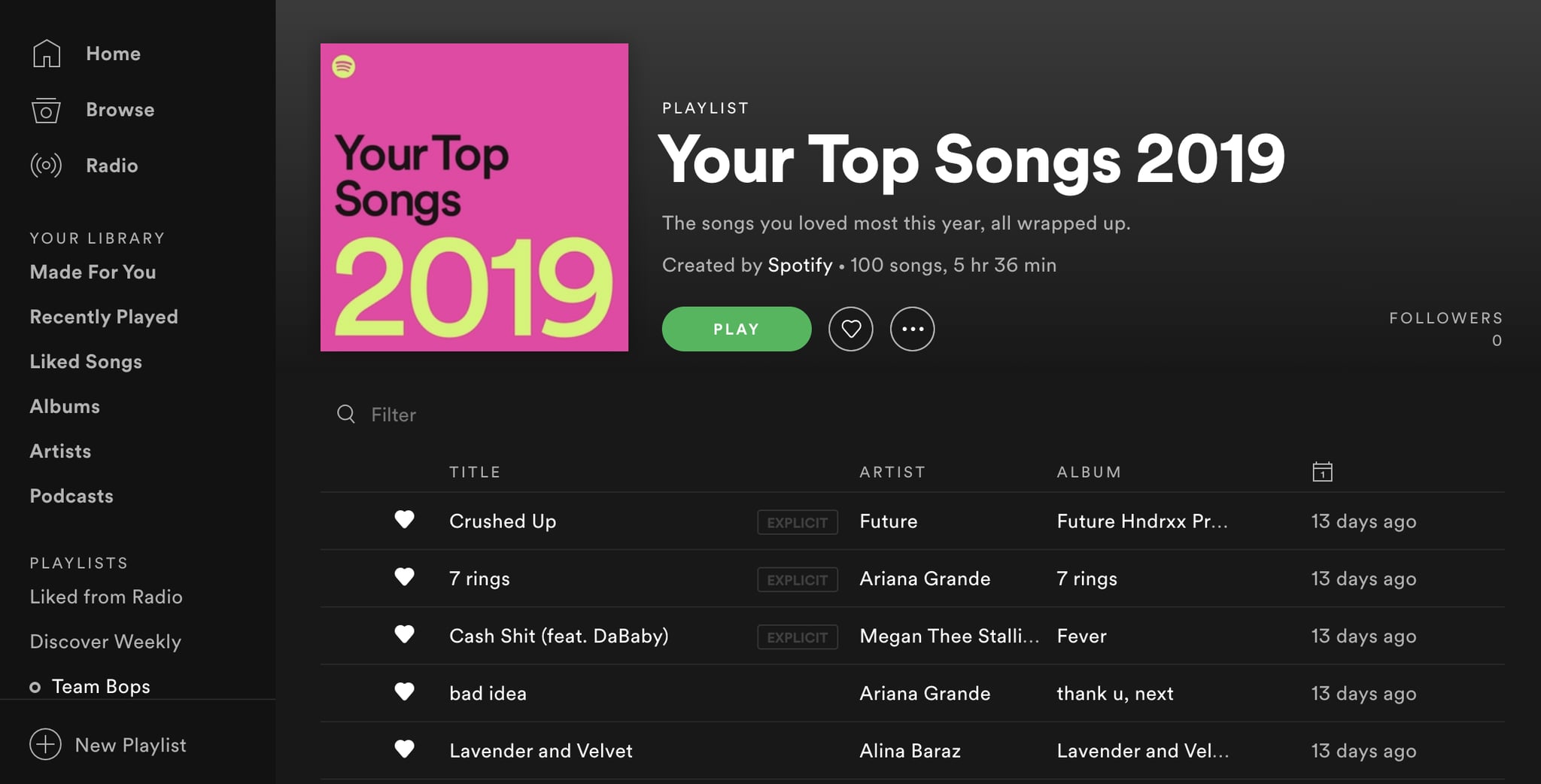
You’ve been there. It’s early December, your Instagram feed is a sea of neon-colored squares, and you’re staring at a "Top Songs" list that makes absolutely no sense. Why is that one lo-fi rain track you used to fall asleep once in February sitting at number three? Or why did a song you honestly haven't heard in months crack your Spotify top 10?
It’s frustrating. Spotify Wrapped is a massive cultural moment, but it’s basically a highlight reel that cuts off in mid-November. If you’re a data nerd or just someone who wants to know what you’re actually listening to right now, waiting twelve months for a slideshow is a bit of a letdown. In similar news, read about: Eurovision is Not a Song Contest and the Boycott Narrative is a Gift to the Brand.
The good news? You don't have to wait. You can see your real-time rankings whenever you want. But there’s a catch. Spotify doesn't exactly make it easy to find your specific "Top 10" list within the app itself unless it’s Wrapped season. You have to know where to dig or which third-party tools are actually safe to use.
Why your Spotify top 10 feels "off" sometimes
Before we get into the "how-to," let’s talk about why the numbers often feel weird. Spotify’s internal algorithm for Wrapped isn't just a simple play-count. For artists, they use a "weighted" system. This means if you listen to ten different songs by the same artist, that artist might rank higher than a singer where you only have one song on repeat. E! News has also covered this important subject in great detail.
Then there's the "30-second rule." A stream only counts if you hit the 30-second mark. If you’re a chronic skipper, your data is going to look a lot different than someone who lets the playlist run. Also, those Private Mode sessions? They don't count toward your "taste profile" or your year-end stats. If you've been hiding your secret obsession with 2000s boy bands in Private Mode, they won't show up in your Spotify top 10.
The easiest ways to see your rankings right now
If you’re on a desktop, you can actually see a basic version of your top artists and tracks directly. Just click on your profile name and hit "Profile." Scroll down, and you’ll see "Top artists this month" and "Top tracks this month." It’s limited, usually showing about five, but it’s a quick pulse check.
For the real deep dive, most people turn to external sites. Stats for Spotify is basically the gold standard here. It’s been around forever. It breaks your data down into three buckets: last 4 weeks, last 6 months, and "all time."
It’s fascinating to see the shift. Your 4-week list might be dominated by a new album you’ve been rinsing, while your "all time" list is likely filled with the comfort songs you’ve had since 2018.
Third-party tools: What’s actually worth it?
There are a lot of apps trying to capitalize on the "Wrapped" hype. Some are great; some are just trying to harvest your data. Here’s the breakdown of what people are actually using in 2026:
- stats.fm (formerly Spotistats): This is for the people who want everything. It shows play counts, total minutes listened per artist, and even "global rankings." If you want to know that you are in the top 0.01% of listeners for an obscure indie band, this is where you go.
- Receiptify: You’ve definitely seen these on Twitter. It turns your top 10 tracks into a "grocery receipt" aesthetic. It’s mostly for the vibes and sharing, but it’s a quick way to get a clean list.
- Instafest: This one turns your Spotify top 10 (and beyond) into a three-day music festival lineup. It’s a fun way to visualize who your "headliners" really are.
- Obscurify: If you want to know how "mainstream" or "underground" your taste is, this site compares your data to the rest of the user base.
One thing to keep in mind: when you use these, you are giving a third-party app permission to "view your Spotify data." It’s generally safe with the big names like stats.fm, but it's always smart to go into your Spotify account settings occasionally and revoke access to apps you aren't using anymore.
The new "Prompted Playlist" era
Spotify recently started rolling out Prompted Playlists (currently in beta in certain regions like New Zealand). This is a game changer for seeing your history. Instead of just looking at a list, you can literally type "Create a playlist of my top 10 songs from the summer of 2023" and the AI will generate it based on your actual history.
It uses your entire listening arc. You can even get specific, like "show me the deep cuts from my top artists that I haven't listened to in a year." It’s making the data more functional rather than just a static list of names and titles.
How to influence your future stats
If you want your next Wrapped or your current Spotify top 10 to actually reflect what you love, you have to "train" the algorithm. Use the "Exclude from Taste Profile" feature for things like white noise, sleep podcasts, or your kid’s favorite "Baby Shark" remix.
Also, the "Like" button (the heart icon) matters more than people think. It’s a high-intent signal. When you like a song, you’re telling the system that this belongs in your core rotation, not just a casual discovery.
Actionable steps to take now
Go to the Spotify search bar and type "Your Top Songs." You might be surprised to find that Spotify actually keeps your old "Top Songs" playlists from previous years (2021, 2022, 2023, etc.) hidden in your library.
If you want a current snapshot, log into Stats for Spotify and look at your "Last 4 Weeks." Take a screenshot. Compare it to your "All Time" list. It’s the quickest way to see if you’re stuck in a musical rut or if your taste is actually evolving.
Finally, if you’re worried about privacy, head over to your Spotify "Privacy Settings" on the web. You can request a full download of your "Extended Streaming History." It takes a few days to arrive, but it’s a JSON file containing every single song you’ve ever played since you opened your account. You can upload that into an app like stats.fm to get a "Lifetime" top 10 that is 100% accurate.