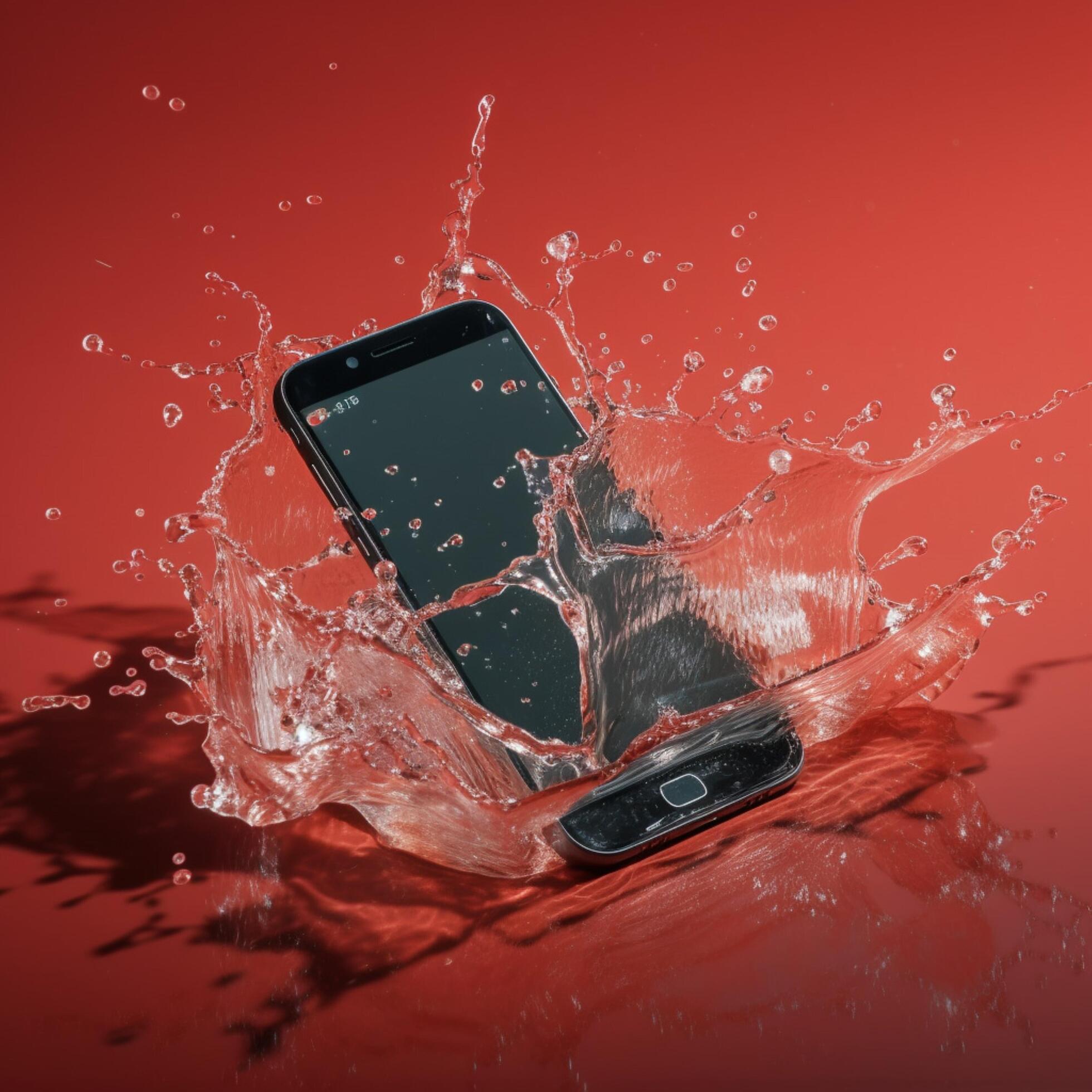
Panic. It’s that sudden, cold pit in your stomach when you hear the splash. Maybe it was a slip into the sink while doing dishes, or the classic, dreaded toilet drop. Either way, your expensive slab of glass and silicon is now soaking wet. Honestly, the first ten seconds after your phone fell into water are the most important.
Don't reach for the pantry. Seriously.
Most people have been conditioned by a decade of internet myths to think a bag of Uncle Ben’s is a magic wand for electronics. It isn't. In fact, sticking your phone in rice might actually make things worse. I've spent years looking at corroded logic boards, and I can tell you that the "rice method" is essentially the "do nothing and let it rot" method, just with more dust.
We need to talk about what actually happens inside that chassis when liquid hits the components. It isn't just "wetness." It’s chemistry.
The Immediate Response Checklist
Turn it off. Right now. If it’s still on, kill the power immediately. Electricity and water are famous enemies, but it’s not just about a short circuit. When an electrical current runs through a wet circuit board, it triggers electrolysis. This process accelerates corrosion at a terrifying speed, literally eating away the microscopic copper traces on the motherboard.
Once the power is killed, strip it down. Pop the SIM tray. If you have one of those rare phones with a removable battery, yank it out. If you have a stylus like an S-Pen, pull that out too. You want every possible orifice open to let air in and moisture out.
Dry the outside with a lint-free cloth. Don't use a paper towel if you can help it, because they leave behind tiny fibers that can clog up the charging port or the speaker grilles. Give it a gentle shake—and I mean gentle—with the charging port facing down. You’re trying to use gravity to your advantage, not play a game of maracas.
The Rice Myth vs. Science
Let’s kill the rice thing once and for all. A study by Gazelle, a major trade-in site that handles thousands of devices, found that silica gel and even plain old open air performed better at drying out devices than white rice.
Rice is a "desiccant," sure, but it’s a poor one. It absorbs moisture it touches, but it doesn't "pull" humidity out from deep inside the phone’s internals. Worse, the fine starch and dust from the rice can mix with the water to create a gummy paste that gets stuck in your buttons and ports.
If you want a real desiccant, use those little silica gel packets that come in shoe boxes or beef jerky. If you don't have those, just set the phone on a flat surface in a room with good airflow. A fan is your best friend here. A gentle breeze is significantly more effective at evaporating internal moisture than a bowl of grain.
The Invisible Killer: Corrosion and Minerals
Even if your phone turns back on and seems fine, you aren't out of the woods. Pure $H_2O$ isn't actually what kills phones—it's the minerals and impurities dissolved in the water.
When tap water, pool water, or (heaven forbid) salt water evaporates, it leaves behind microscopic deposits of calcium, magnesium, and salt. These deposits are conductive. They stay on the board and can cause a "bridge" between two points that shouldn't be connected. Boom. Short circuit.
This is why "water resistant" ratings (IP68, etc.) are a bit of a trap. Those seals are made of rubber and adhesive. Over time, heat, drops, and even age degrade those seals. Your two-year-old iPhone is nowhere near as waterproof as it was the day you unboxed it. If it’s been in salt water, you actually have to rinse it with fresh water immediately—sounds counterintuitive, I know—to get the salt out before it crystallizes. Salt is incredibly corrosive to electronics.
What Not to Do (The Hall of Shame)
- No Hairdryers: Heat is the enemy. You’ll melt the adhesive holding the screen on or warp the delicate plastic bits inside. Plus, the high-pressure air just pushes water deeper into the crevices.
- No Microwaves: I shouldn't have to say this, but every year, someone tries it. It will explode.
- No Charging: Do not plug that phone into a wall. If there is water in the charging port, you are literally inviting a spark.
- No Radiators: Too much direct heat can cause the battery to swell or fail.
Professional Solutions vs. DIY
If you’re tech-savvy and have the tools (Pentalobe or Tri-point screwdrivers), the absolute best thing you can do if your phone fell into water is to open it up. Disconnecting the battery internally is the only way to truly stop the corrosion process.
Once open, you can clean the board with 90% or higher Isopropyl Alcohol. Alcohol displaces water and then evaporates almost instantly without leaving minerals behind. It’s the gold standard for electronics repair. If you aren't comfortable doing this—and most people aren't—take it to a reputable independent repair shop. Look for one that uses ultrasonic cleaners. They put the motherboard in a bath of specialized chemicals that vibrate at high frequencies to "shake" the corrosion off the components.
Dealing with the "Water Resistance" False Sense of Security
Most modern flagships claim they can survive 1.5 meters for 30 minutes. That’s tested in a lab with still, fresh water. It doesn't account for the chlorine in your pool or the pressure of a falling phone hitting the surface of a lake. If your "waterproof" phone gets submerged, treat it with the same caution as a non-waterproof one. Check the SIM tray—most phones have a Liquid Contact Indicator (LCI) inside. If that little white sticker has turned red or pink, water has breached the seal.
Actionable Steps to Save Your Device
If you are reading this while your phone is currently dripping, here is the sequence. Follow it strictly.
- Power Down: Hold the buttons until the screen goes black. No "checking if it still works."
- Mechanical Removal: Shake out the excess. Use a toothpick (carefully) with a bit of cloth to dab the charging port.
- Vacuum, Don't Blow: If you have a small handheld vacuum, you can try to suck moisture out of the gaps. It's safer than blowing air in.
- The 48-Hour Rule: Wait. At least 48 hours. I know, it’s 2026 and we can’t live without our devices, but turning it on too early is the #1 cause of permanent death.
- Use Silica or Airflow: Place the phone near a fan or in a sealed container with at least 10-15 silica gel packets.
- The Test: After two days, try to power it on. If it doesn't start, plug it into a computer (USB ports on computers have lower amperage than wall bricks, which is slightly safer for a first test).
If you see fogging inside the camera lens, there is still moisture inside. Do not use the phone. This is a sign that the internal environment is humid, and corrosion is currently active. At this point, a professional teardown is your only real hope of saving the data. Speaking of data—if you get it back on, back it up immediately. Water-damaged phones are "zombies"; they might work today and die forever tomorrow when a specific trace finally flakes off.
Move fast, stay calm, and keep the rice in the kitchen.


